Available on iOS & Android
Liftoff
Rocket launch tracking for people who actually watch launches.
Launch feed, mission detail, alerts, live SpaceX flight data, and Android widgets in one space-native app.




Why Liftoff
Built around the launch window.
Know what is next
The feed is organized around the next mission first, then grouped by launch window so tonight, tomorrow, and later do not blur together.
Read the mission fast
Detail pages put status, provider, pad, mission notes, vehicle specs, and launch probability in one place.
Follow the countdown
Launch-day notifications and Android widgets keep the clock visible without making you reopen the app every few minutes.
The app, where you need it.
Open Liftoff for the full mission context. Keep the next countdown visible from your home screen.
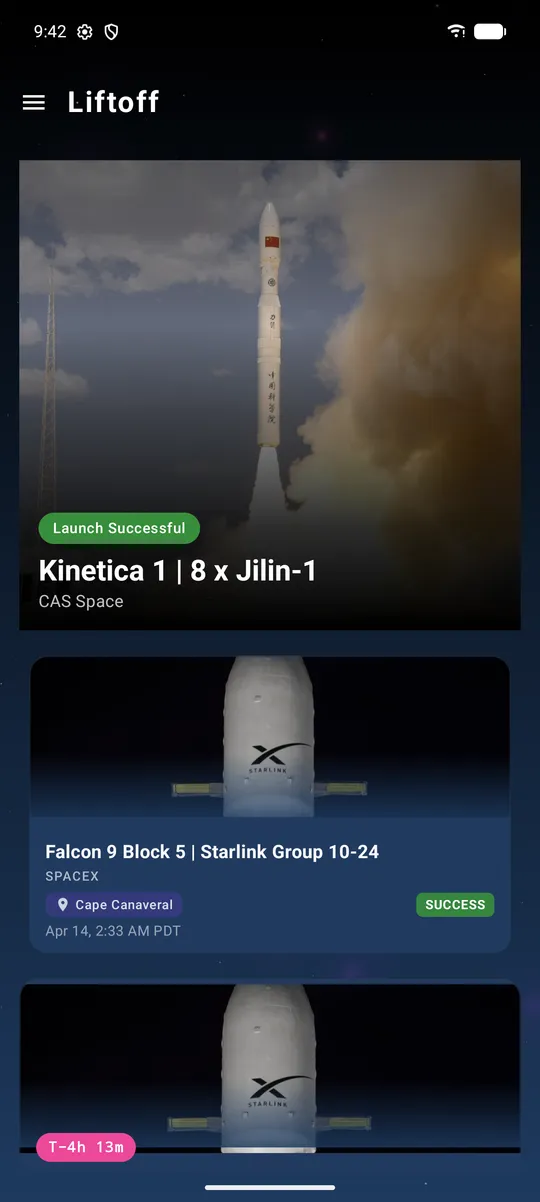
The next launch stays obvious, with the rest of the manifest close behind.
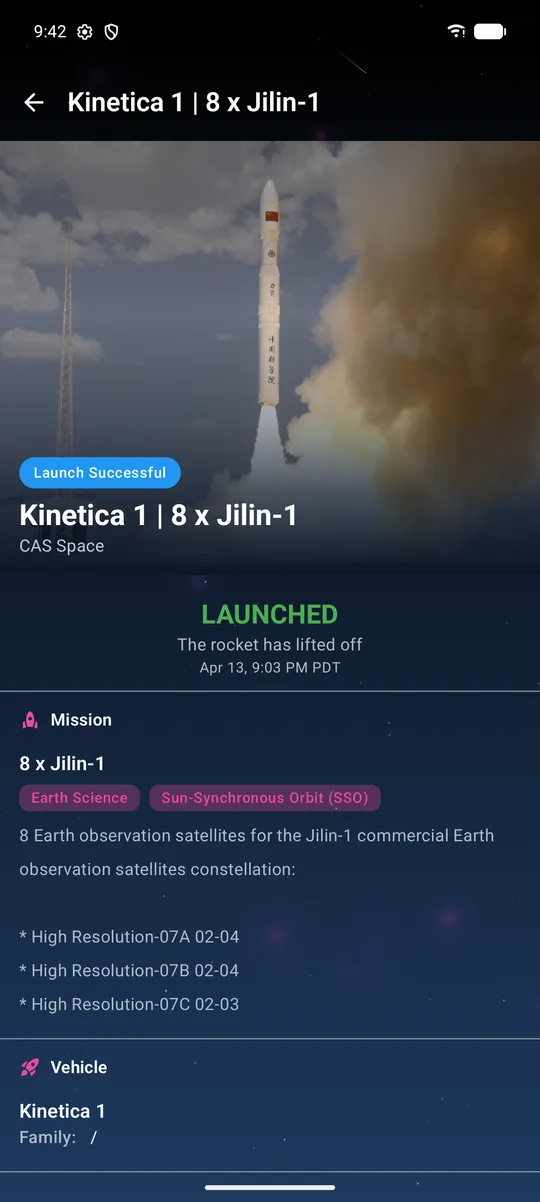
Mission status, provider, pad, probability, and countdown in one focused view.
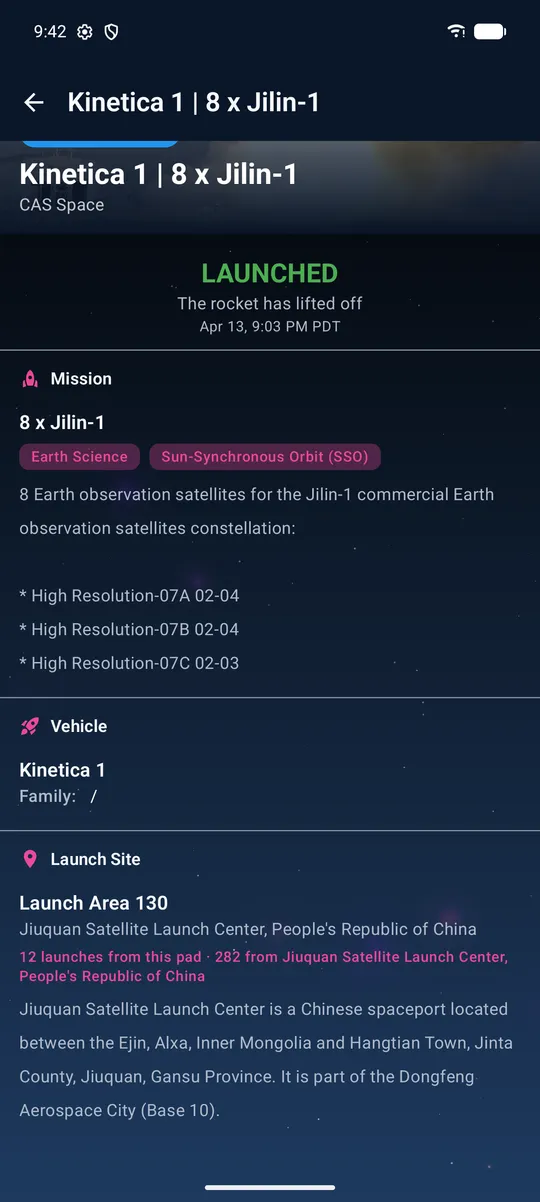
Deep detail when you want the rocket, pad, orbit data, and launch-day context.
Flight data that moves with the rocket.
During supported SpaceX launches, altitude, velocity, and stage events update live inside the mission view — no separate app, no switching screens.
- Altitude
- 142.3km
- Velocity
- 7,621m/s
- Event
- MECO+2s
Good to know.
Where can I download it?
Liftoff is free on the App Store and Google Play.
What makes Liftoff different from a generic launch calendar?
It is built for launch day: countdown-first feed, detailed mission pages, home-screen widgets, supported SpaceX telemetry, and timely alerts.
Will every launch have live telemetry?
No. Live flight data is available for supported SpaceX launches. Coverage expands as more providers make reliable telemetry available.